
Header bar banners live at the top of the search results page and category pages for web and app. They are small in size to reduce distraction in a high impression area.
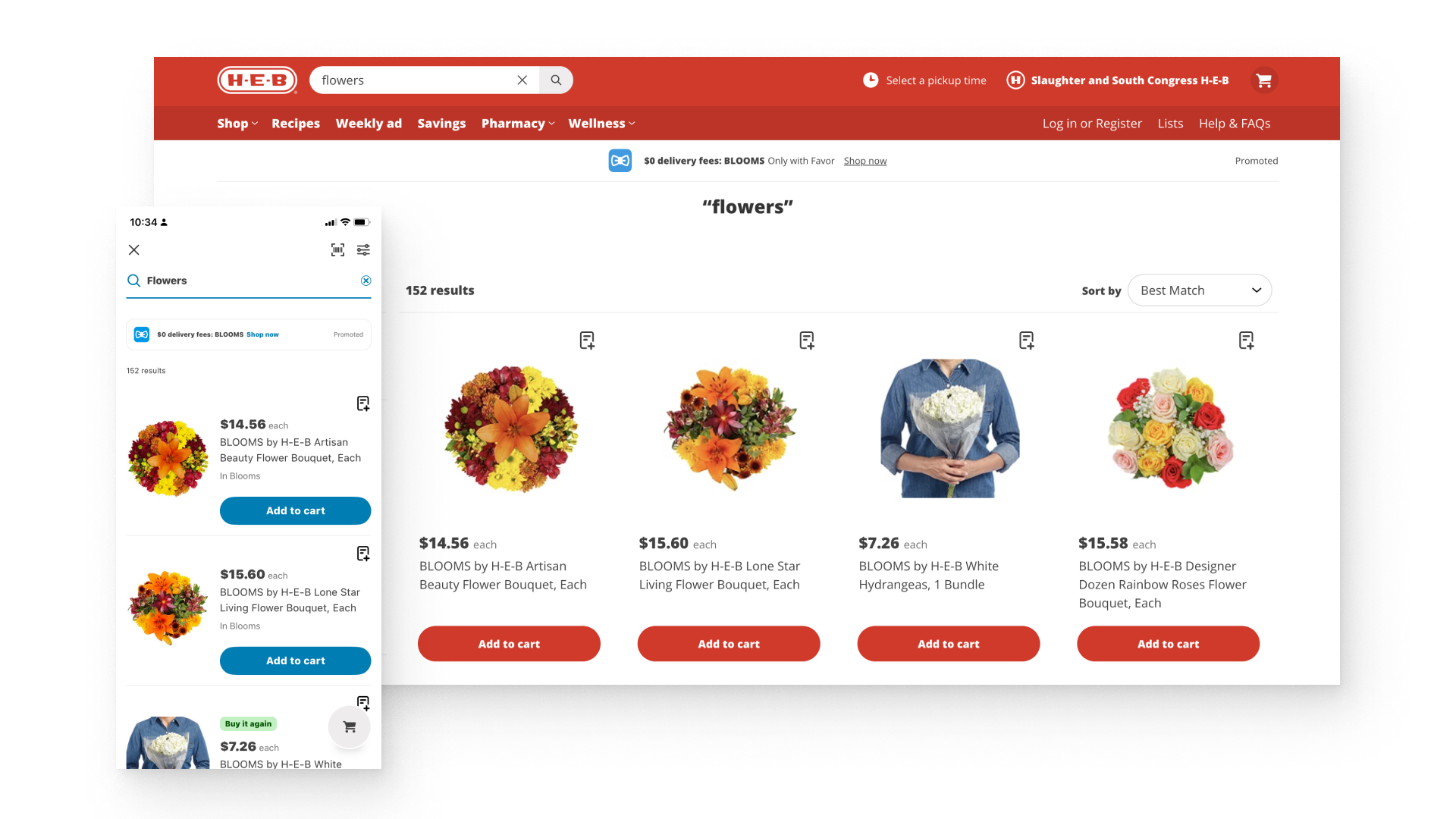
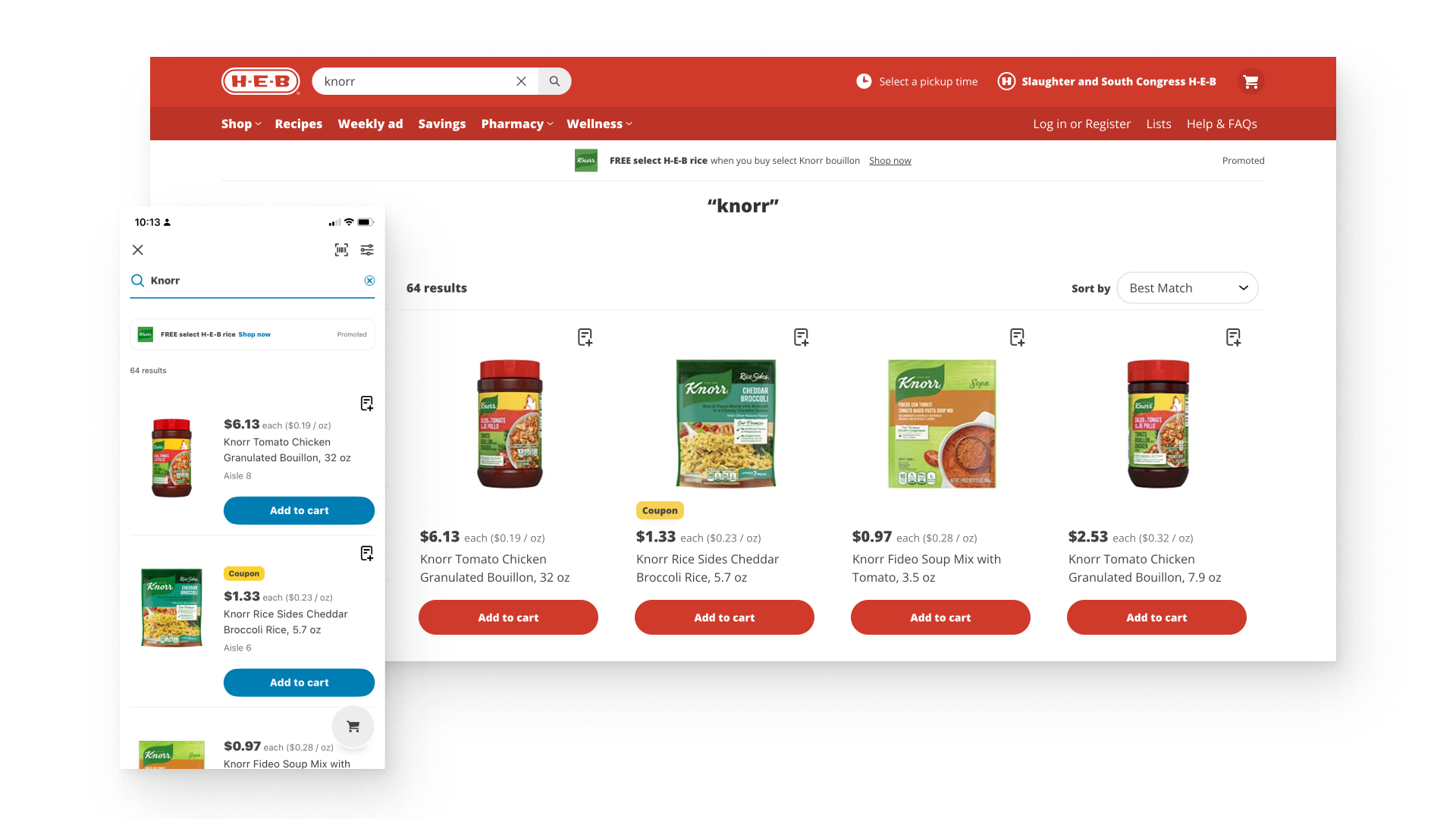
Heights are listed by web and mobile breakpoint as well as native mobile screen widths. The banner stays the same height while the width flexes with the breakpoint.
| Breakpoint | Screen width | Banner height |
|---|---|---|
| Desktop | 1440px | 54px |
| Tablet | 1024px | 54px |
| Mobile | 375px | 45px |
| iOS and Android | Native | 48px |
Logos may be provided in white with a colored background, however for logo background colors we are unable to support a black, white or brown background.
All text on header bar banners is responsive live text. Character counts apply to all screen sizes and platforms.
Alt image text. Alternative (alt) text is read aloud to users by screen reader software and indexed by search engines. It also displays on the page if the image fails to load. Describe the logo image using the brand name. Do not start with “A picture of”, “An image of” or similar; screen readers already indicate when it is an image. Because header bar banners are live text, do not restate the banner copy.
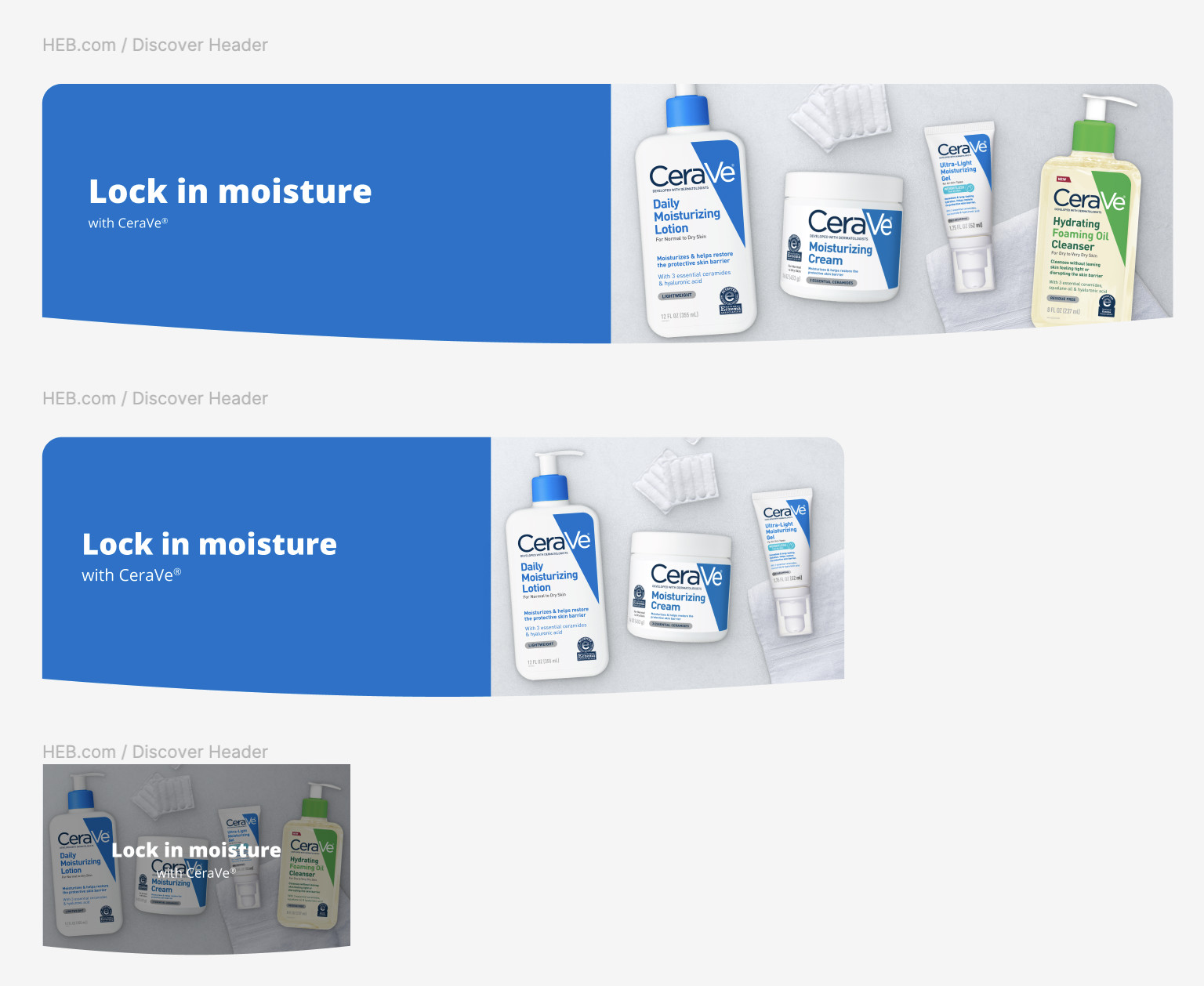
Intra-grid banners are banner components that live within our grids. Their heights are smaller than our larger hero-style banners in order to unobtrusively fit within product and coupon grids.
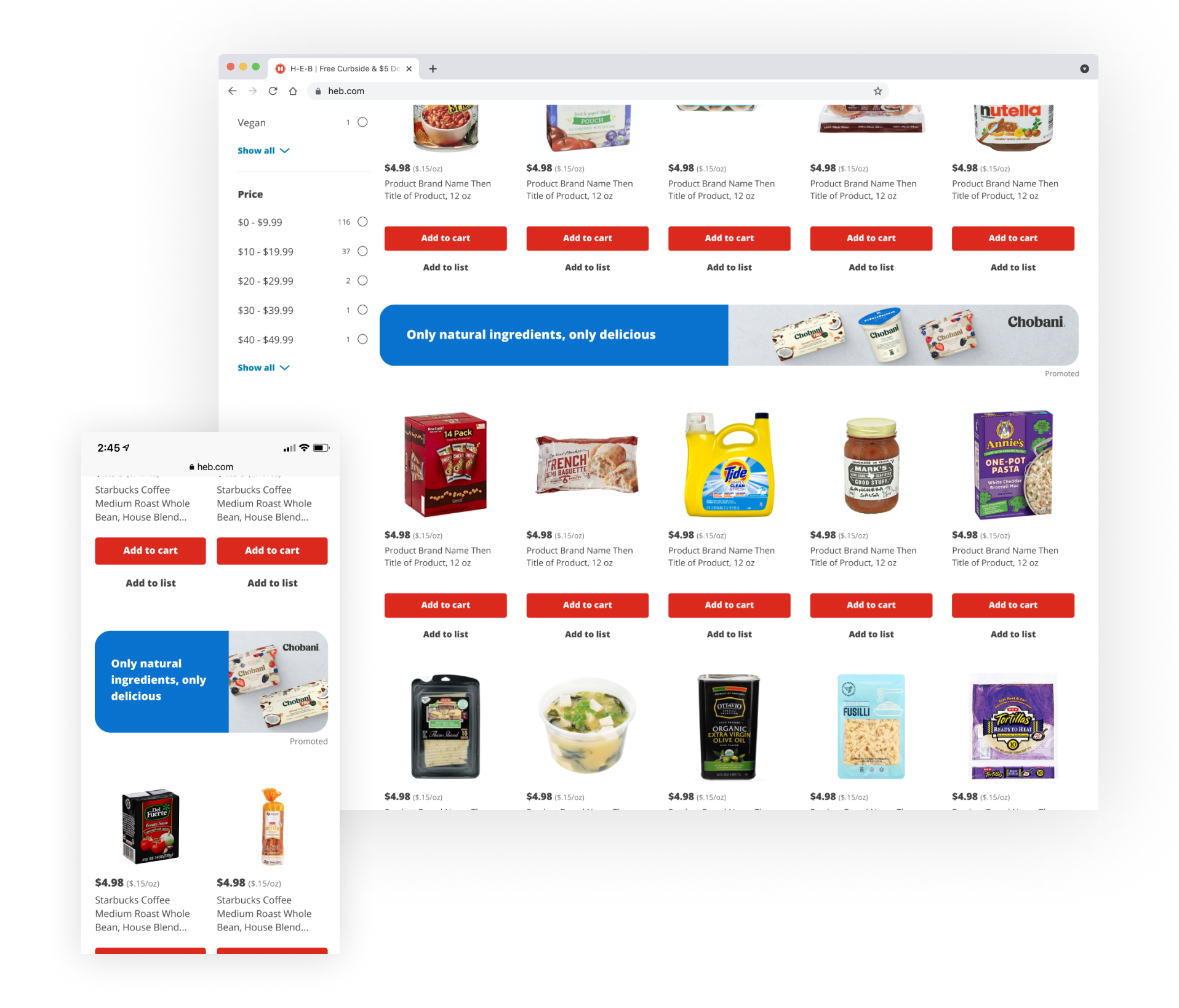
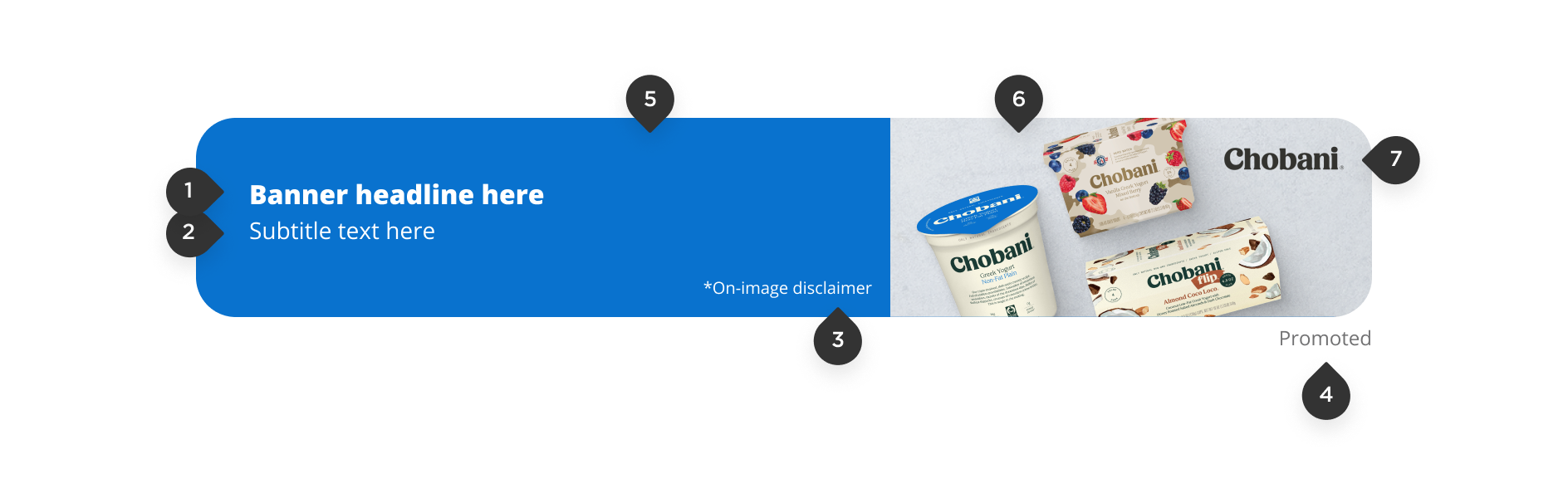
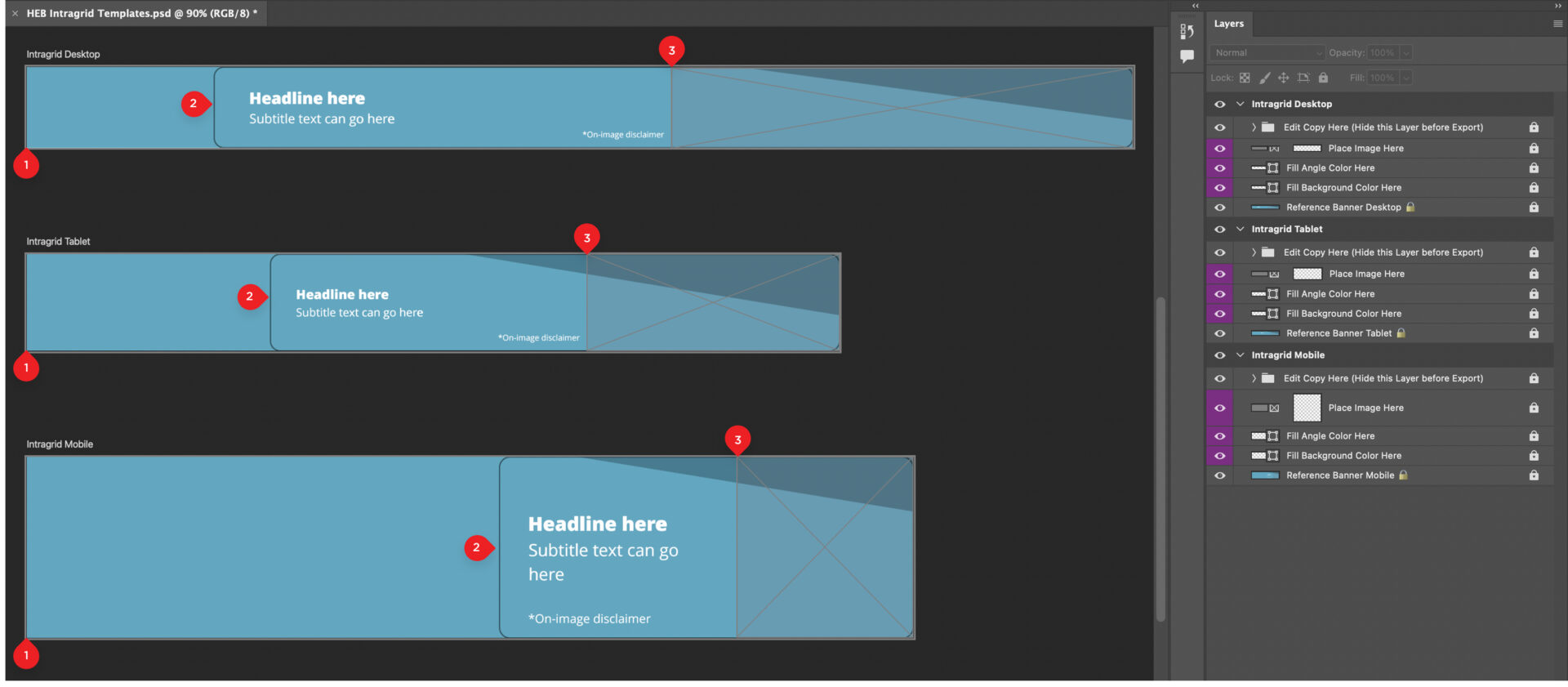
| Placement | Banner template (1) | Preview/Breakpoint (2) | Image safe area (3) |
|---|---|---|---|
| Desktop | 2752 x 200 | 2286 x 200 | 1148 x 200 |
| Tablet | 2022 x 240 | 1416 x 240 | 628 x 240 |
| Mobile | 2205 x 450 | 1029 x 450 | 438 x 450 |
Use this Photoshop file to create intra-grid banners. Do not alter the banner, text or image safe area sizes, and do not rearrange layers. Doing so will cause the banner to render improperly.
Intra-grid Photoshop templatePSDExport two versions of the desktop, tablet and mobile banners as JPG files at 1x.
Provide all final JPG files along with the Photoshop file for final product.
Intra-grid banners embed live text over an image on heb.com. Use copy that is concise and clear. Maxing out character counts creates a cluttered banner.
The on-image disclaimer field is used for truncated legal callouts or brand copyrights and should only be used when legally required. Disclaimers should be two to three words on one line.
*Full details will be provided on the destination page upon click-through.
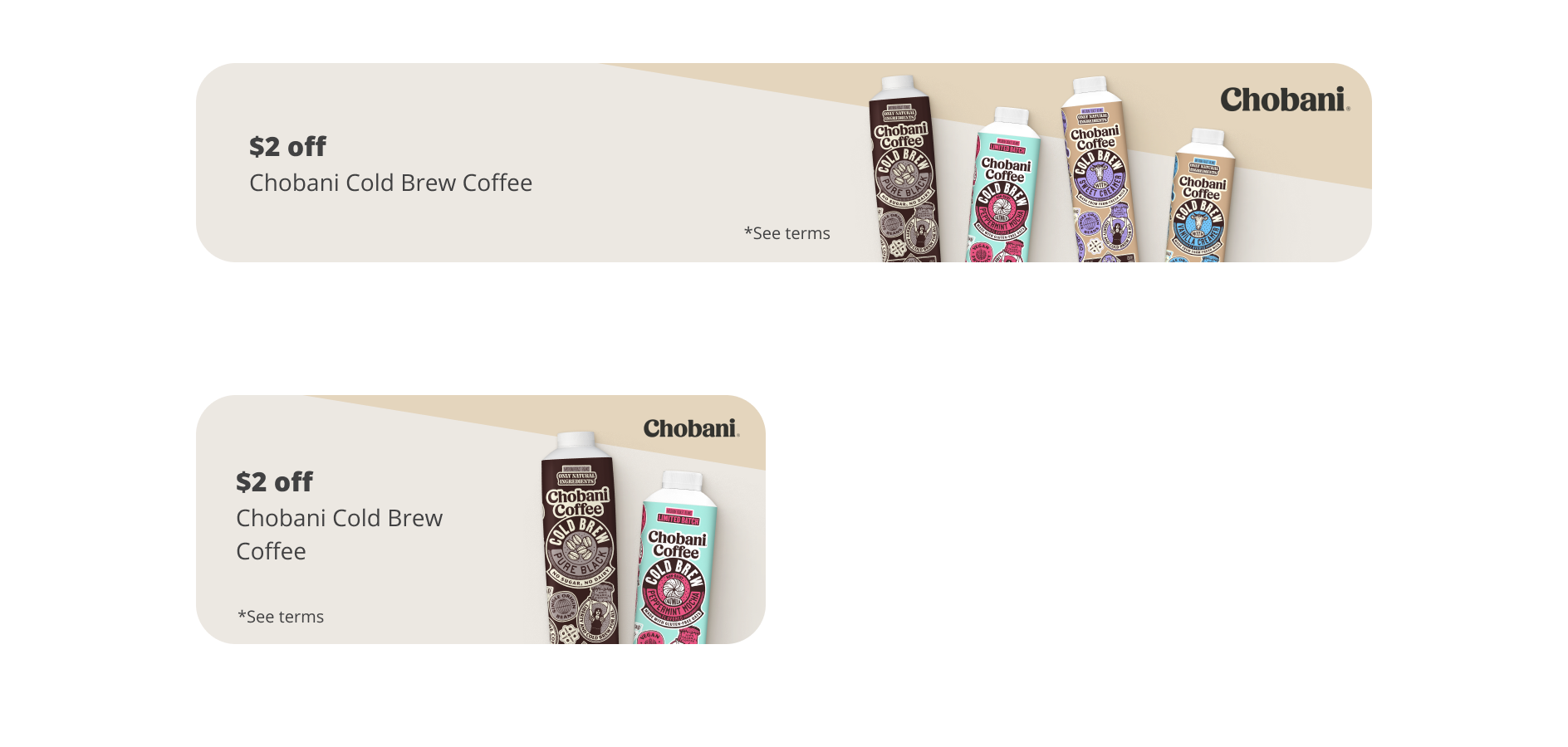
Reference the main Photoshop template to design heb.com category aisle banners. Use the export Photoshop template to export the creative image needed for final files.
Billboard + Coupon Landing Page Photoshop TemplatePSDBillboard + Coupon Landing Page Export Photoshop TemplatePSD| Breakpoint | Figma | Photoshop |
|---|---|---|
| Desktop | 1376 x 250 | 2752 x 500 |
| Tablet | 976 x 250 | 1952 x 500 |
| Mobile | 343 x 250 | 1029 x 750 |
Inspect your final creative files to make sure they align to the following specs:
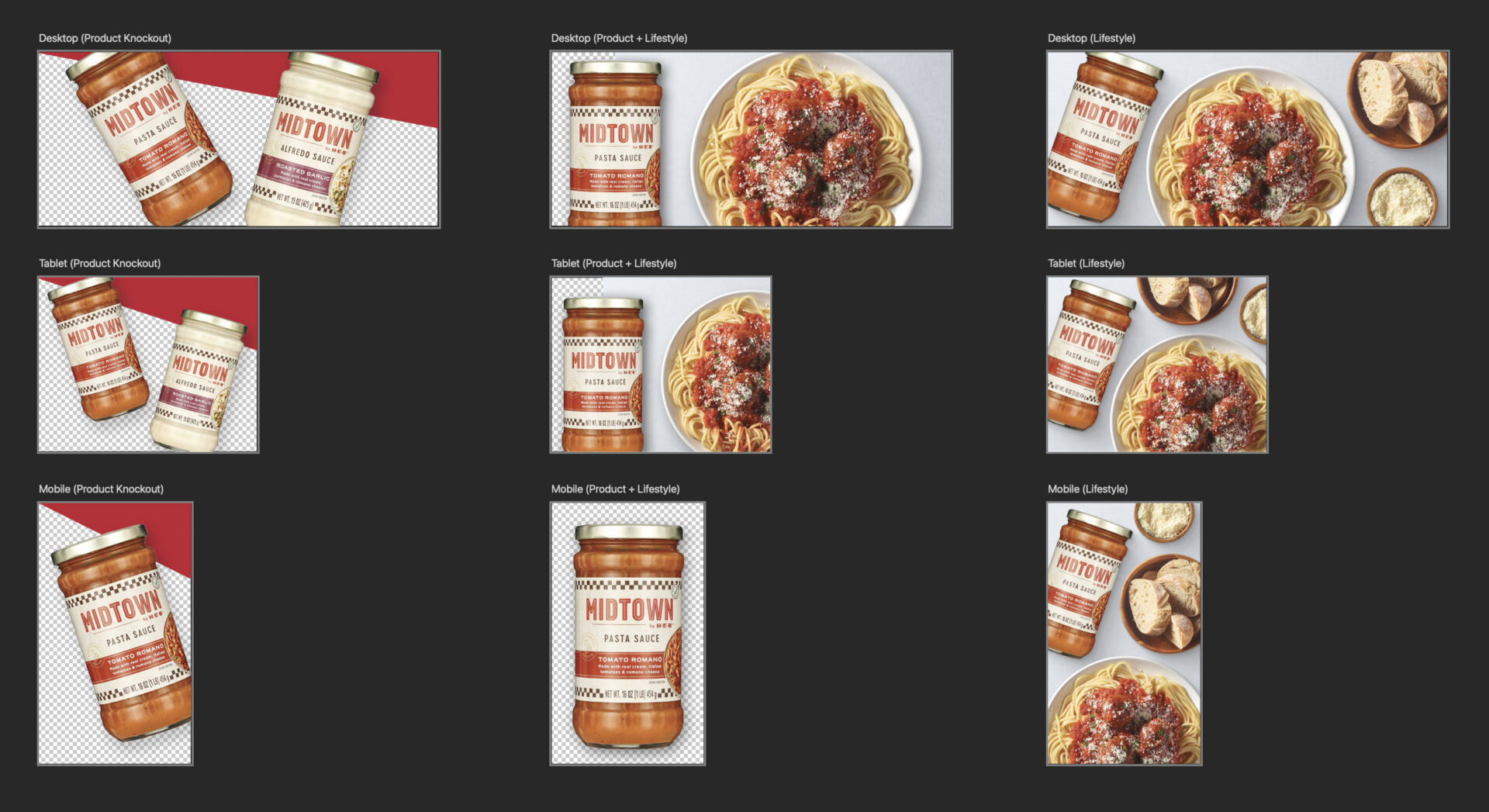
Category aisle banners embed live text over an image on heb.com. Remember to use copy that is concise and clear. Maxing out character counts often creates a cluttered banner.
*Best practice is to not max these character count limits and to put copy in situation to assure layout will work.
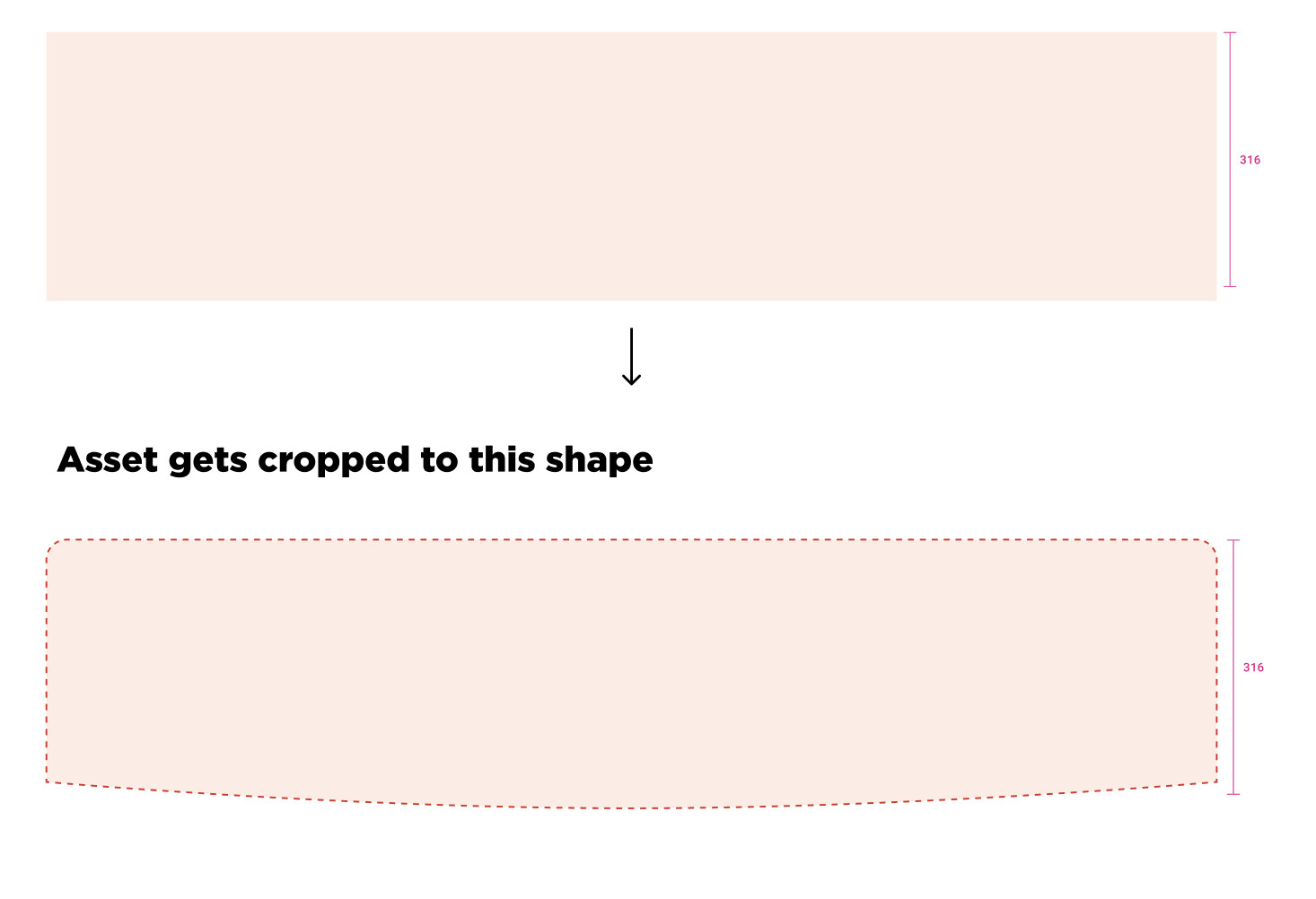
Export as full banner dimensions. The mask gets applied in code.
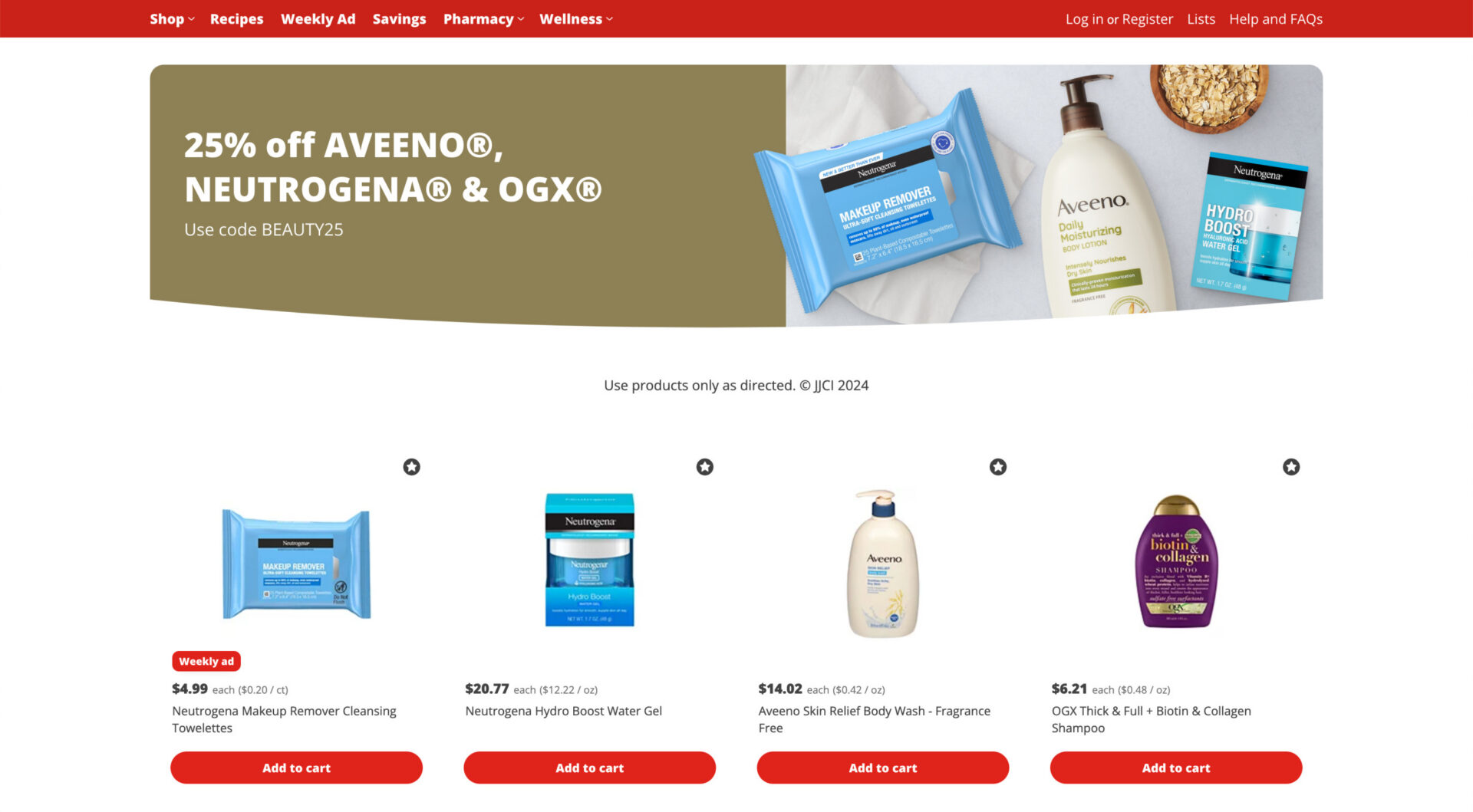
Legal copy lives under the banner on HEB.com. Character count is 175 characters max.
H-E-B® has full authority, autonomy and approval on what lives on site. H-E-B® retains the right to approve or reject any content that does not meet our standards.
